

Latest Version
libratbag developers
Tools
Linux
Free
org.freedesktop.Piper
Report a Problem
More About Piper
Unlocking the full potential of your gaming hardware on Linux used to require complex terminal commands, but the Piper gaming mouse configuration utility changes the game entirely by bringing a clean, intuitive graphical interface to your desktop.
What is the Piper Gaming Mouse Configuration Utility?
Developed by the libratbag developers, Piper is a highly specialized graphical front-end designed to help Linux users configure their gaming mice without touching a line of code. It acts as a user-friendly interface for ratbagd (the underlying daemon from the libratbag project), which handles the low-level communication with your hardware. To use Piper, you simply need to have ratbagd installed and running on your Linux system.
Key Features and Customization Options
Whether you are a competitive gamer or a power user looking to optimize your workflow, this utility offers essential tuning options:
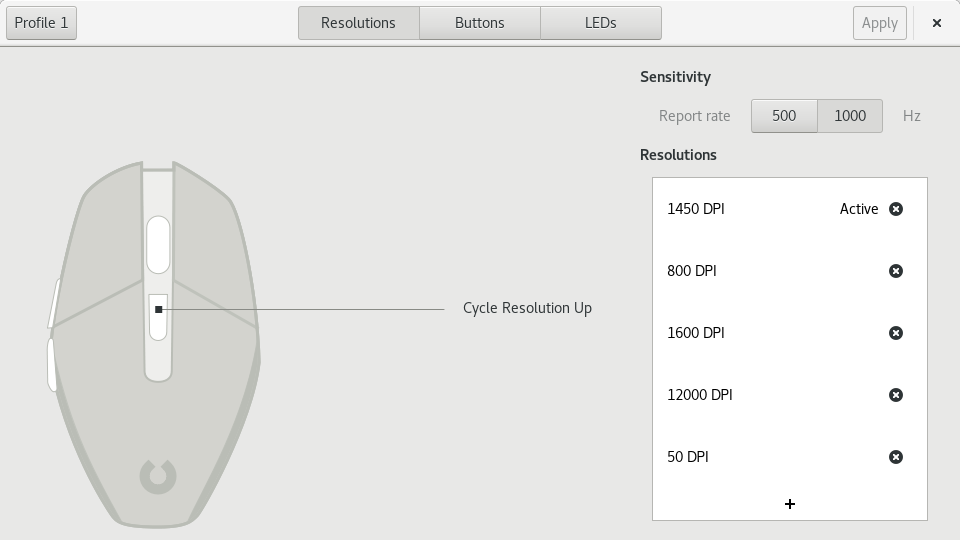
- DPI and Resolution Tuning: Adjust the sensitivity of your mouse with precision, allowing you to switch between different DPI levels on the fly.
- Profile Management: Create, modify, and delete application-specific profiles so your mouse behaves exactly how you want it to depending on the task.
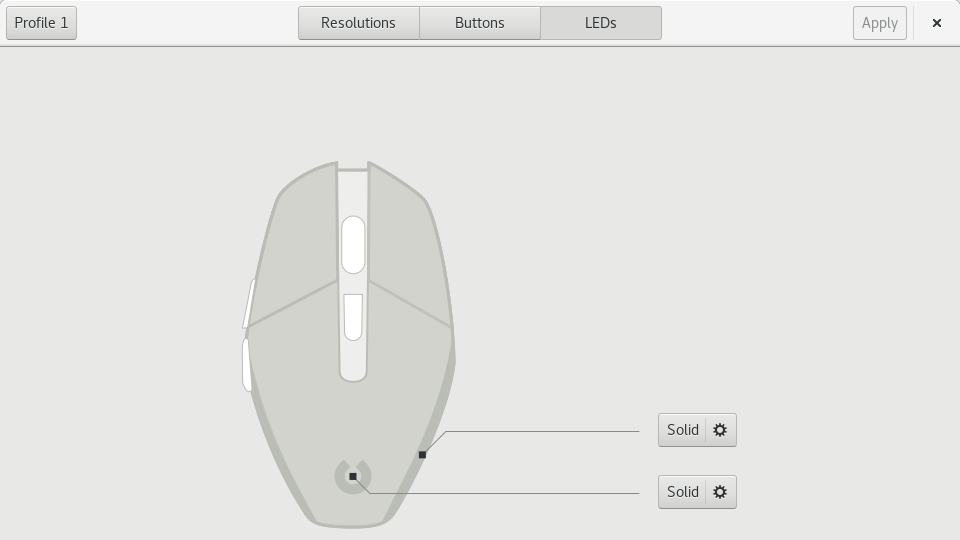
- LED and Aesthetic Customization: Match your setup's theme by choosing custom LED colors and lighting effects directly from the visual interface.
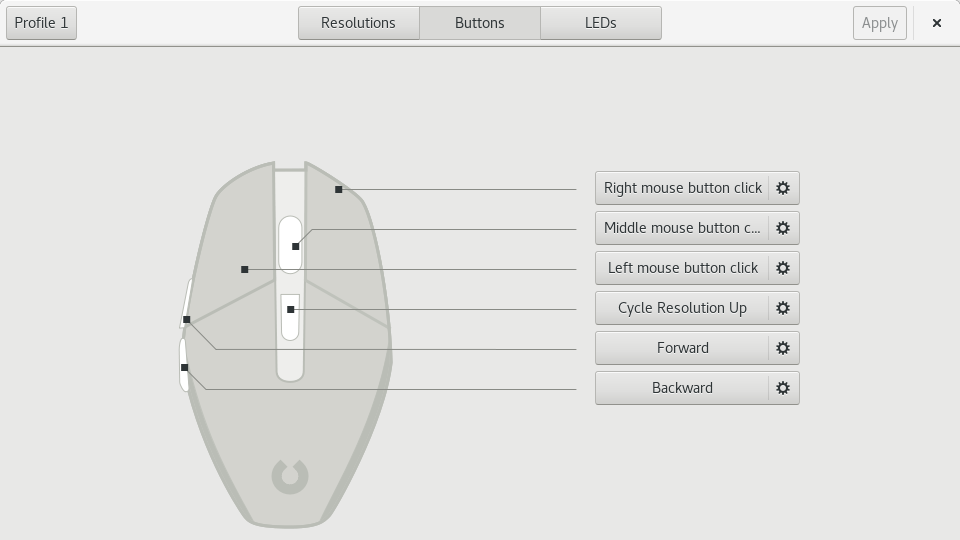
- Button Remapping: Bind specific actions, macros, or keystrokes to your mouse buttons to streamline your in-game actions or desktop navigation.
Who is this Tool For?
If you are a Linux gamer who has struggled with proprietary configuration software that only supports other operating systems, the Piper gaming mouse configuration utility is a breath of fresh air. It bridges the gap between high-end gaming peripherals and open-source operating systems, ensuring you do not have to compromise on hardware performance.
Getting Started
Because Piper is an elegant frontend, it relies entirely on the system's background daemon to apply your changes. Once both are set up, your connected compatible hardware is automatically detected, allowing you to start adjusting your settings immediately through a sleek, modern dashboard.
To explore this tool further and optimize your peripheral setup, head over to the official Piper Flathub page to check compatibility and view official installation instructions for your distribution.
Rate the App
User Reviews












Popular Apps










Editor's Choice